
How to Turn a Picture Into a Puzzle Online (Free)
Step-by-step guide to turning any photo into a custom jigsaw puzzle. Free online tool, no signup needed. Print or play digitally.
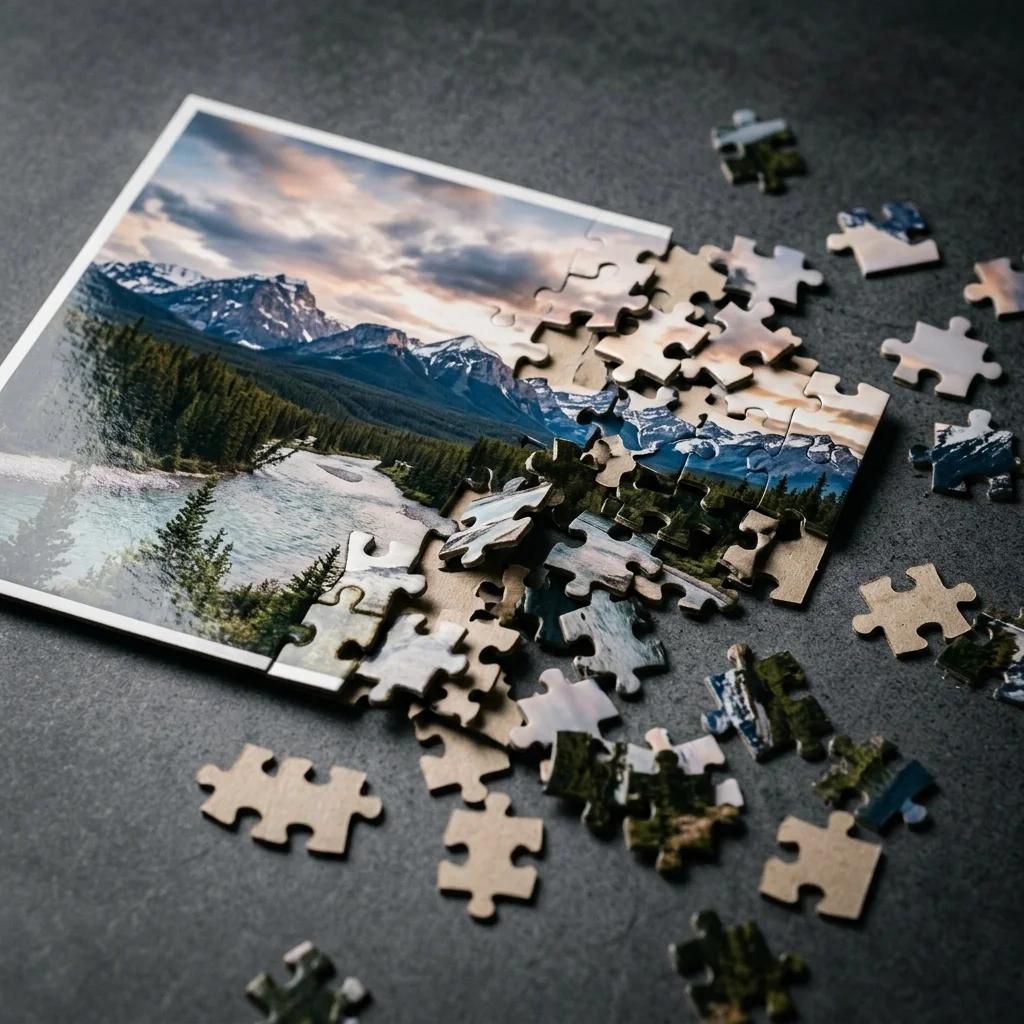
What Makes a Great Puzzle Photo?
Not every photo makes a good puzzle. The best ones have variety — multiple colors, textures, and distinct areas of contrast so individual pieces look different from each other. When every piece looks the same, the puzzle stops being fun and starts being frustrating.
Resolution matters more than most people expect. A 300 DPI image at 8×10 inches gives you 2400×3000 pixels — that's plenty for a sharp, printable puzzle. The absolute minimum we recommend is 1000×1000 pixels; 2000×2000 or higher is ideal. Anything below that and the pieces will look blurry when printed.
Skip the blurry screenshots. If you can see pixels when you zoom in on your phone, pick a different photo.
Photos That Work Well
- Landscape shots — forests, beaches, cityscapes. Lots of natural color variation across the frame.
- Group photos — faces, clothing, and backgrounds create distinct zones that are satisfying to assemble.
- Pet portraits with a busy background — the background carries the puzzle; a dog against a park hedge is much better than a dog against a white wall.
- Kids' artwork — crayon drawings photographed flat. Bright colors, clear lines. Works surprisingly well.
Photos to Avoid
- Solid or near-solid backgrounds — a selfie against a white wall leaves you with 40% identical white pieces.
- Low-contrast images — foggy shots, overexposed photos, or anything where colors blend together.
- Very dark photos — detail disappears in print, especially in shadow areas.
- Screenshots and web images — typically 72 DPI, which prints at poor quality.
Step-by-Step: Turn Your Photo Into a Puzzle
The whole process takes about two minutes. You don't need an account, and it's free. Head to the Photo Puzzle Maker and follow these steps.
- Upload your photo. Click the upload area and choose your image file. JPG, PNG, and WebP all work. The tool shows you a preview immediately — check that the image looks sharp and well-lit before continuing.
- Pick your paper size. Letter (8.5×11 in) for North America, A4 for everywhere else. If you want a non-standard size, use the custom dimensions option — good for posters or square formats.
- Choose your piece count. This is where difficulty is set. More pieces means a harder puzzle. We cover the full breakdown in the next section, but a starting point: 20 pieces for kids, 100 for adults, 300+ for a real challenge.
- Preview the puzzle. The tool shows you how the cut lines will fall across your photo. Check that no important detail (a face, the main subject) gets cut awkwardly right at the edge.
- Download or play online. Download a print-ready PDF to cut at home, or use the digital play mode to solve the puzzle right in your browser — no printing required.
That's it. No watermarks, no forced signup, no hidden steps. If you want a printable version with clean cut lines, our Printable Jigsaw Puzzle Maker also gives you optimized PDF output ready for home printing.
Choosing the Right Difficulty
Piece count is the single biggest factor in how long a puzzle takes to solve. Get it wrong and the puzzle is either done in five minutes or abandoned on the kitchen table for three weeks.
By Age Group
- Under 5 years old: 4–12 pieces. Large pieces, simple shapes. Use a close-up photo of something familiar — a pet, a family member's face, a favorite toy.
- Elementary school (ages 6–10): 20–50 pieces. Old enough to enjoy the search, young enough that the puzzle should be completable in one sitting.
- Teens and adults: 100–300 pieces. This range is the sweet spot for most people. A 200-piece puzzle of a detailed landscape takes roughly 1–2 hours.
- Puzzle enthusiasts: 500+ pieces. Reserve these for complex photos with lots of fine detail. A 500-piece puzzle of a busy city street can easily take 4–6 hours.
How Piece Count Affects Solve Time
As a rough guide: doubling the piece count more than doubles the difficulty, because each individual piece gets smaller and harder to distinguish. Going from 100 to 200 pieces doesn't just take twice as long — it can take three times as long for the same photo.
For gifts, err on the side of fewer pieces. A 100-piece photo puzzle that gets completed and displayed is much better than a 500-piece one that never gets opened.
Print Your Photo Puzzle at Home
Printing at home is completely doable with a standard inkjet printer. A few details make the difference between a puzzle that looks great and one that's disappointing.
Paper Choice
Regular copy paper (80 gsm) works but feels flimsy — pieces bend and tear easily. Cardstock at 200–300 gsm is the right call. It holds its shape, takes ink well, and the pieces feel satisfying to handle. Photo cardstock (glossy or matte) looks especially good for photos.
Printer Settings
- Scale: 100% (actual size). Never use "fit to page" or "shrink to fit" — this shrinks the puzzle and misaligns the cut lines.
- Quality: High or Best. The extra ink makes a visible difference, especially in darker areas of the photo.
- Margins: None or minimum. If your printer supports borderless printing, use it.
Cutting the Pieces
A craft knife on a cutting mat gives you much cleaner cuts than scissors. Run the blade along each cut line using a ruler for the straight edges. The interlocking curved cuts are done freehand — go slowly and let the blade follow the line rather than pushing through the paper.
Scissors are fine for younger kids' puzzles with larger pieces, but for anything above 50 pieces, the craft knife approach saves a lot of time and produces cleaner edges.
Laminating for Durability
If the puzzle is a gift or you plan to use it repeatedly, laminate the printed sheet before cutting. A standard pouch laminator (available for under $30) works well. Laminate first, cut second — trying to laminate individual puzzle pieces is not worth the effort.
Creative Ideas: What to Turn Into a Puzzle
Most people default to vacation photos or family portraits. Those work great. But there are some photo types that make even better puzzles.
- Pet portraits with a detailed background — a dog in a garden, a cat by a window with street views. The background does a lot of the puzzle work for you.
- Kids' artwork — photograph a drawing or painting flat on a table. Scan it if you have a scanner. Bright crayon colors make the pieces very distinguishable and it becomes a meaningful keepsake.
- Wedding photos — a full group shot or ceremony photo with guests, floral arrangements, and varied lighting. Far more interesting as a puzzle than a simple portrait.
- Collages — arrange 4–9 smaller photos into a grid in a photo editor and treat the whole collage as your puzzle image. Each section of the puzzle then shows a different memory.
- Maps and aerial views — a satellite view of your hometown or the neighborhood where you grew up. Nostalgic and surprisingly challenging to solve.
- Holiday cards — take that annual family Christmas photo and turn the card into a puzzle. Give them out instead of (or alongside) the cards.
For something other than the standard rectangular format, try the Heart Puzzle Maker — same photo upload process, but the puzzle comes out in a heart shape. Works especially well for anniversary or Valentine's Day gifts.
For more inspiration on what to make, see our guide to creating custom jigsaw puzzles.
Photo Puzzle Gift Ideas
A custom photo puzzle is one of those gifts that genuinely surprises people. It's personal, it's interactive, and it takes real thought — nobody expects a jigsaw puzzle with their own face on it.
Birthdays
Use a candid photo rather than a posed one. A shot from a holiday together, a group photo from a memorable trip, or an old photo they've never seen printed before. For milestone birthdays (30, 40, 50), a collage of photos across different decades works very well.
Anniversaries
A wedding photo is the obvious choice — but a current photo that shows where the couple is now can be just as meaningful. Some people give both: the wedding photo puzzle and a recent one, boxed together. For a romantic presentation, use the heart-shaped format.
Holidays
Print the puzzle and leave it under the tree or in a stocking. Use a photo from that year's family gatherings — something nobody has had a chance to see yet. The shared act of assembling it together becomes part of the gift.
If you want to go deeper on gift ideas and presentation, our Custom Photo Puzzle Gift Ideas guide covers packaging, difficulty matching for different recipients, and how to write a card that sets up the gift well.
Ready to Turn Your Photo Into a Puzzle?
Pick a photo with good contrast and enough detail, upload it to the Photo Puzzle Maker, choose your piece count, and download. The whole thing takes about two minutes. No account needed.
If you want to print it, use 200+ gsm cardstock, print at 100% scale, and cut with a craft knife for clean edges. If you just want to play it digitally, hit the play button after the preview and solve it right in your browser.
Either way — it's free, and the photo you pick is the only thing that matters.