✂️
Scissor Friendly
Our "Easy Cut" mode creates straight edges instead of curvy ones, making it frustration-free for younger students.
Create custom educational puzzles in seconds. Upload maps, diagrams, or words. Download as PDF with easy-to-cut straight edges perfect for scissor practice.
Part of our free Jigsaw Puzzle Maker toolkit — the same cutting engine behind every classroom set.
Pre-configured for classrooms: Easy Cut Mode & Printable Quality
Our "Easy Cut" mode creates straight edges instead of curvy ones, making it frustration-free for younger students.
Turn any map, diagram, or vocabulary list into an interactive learning activity instantly.
High-resolution PDF downloads that fit perfectly on standard copier paper. No blurred lines.
Add your map, diagram, vocabulary image, or any educational content
Choose straight edges for safe, scissor-friendly cutting by students
Get a print-ready PDF optimized for A4 or US Letter paper
Print copies for your entire class and let students cut and assemble
Upload maps and turn them into puzzles. Students learn geography while assembling countries and continents.
Create puzzles from cell diagrams, the solar system, or anatomy charts for hands-on learning.
Use book cover images or story illustrations as puzzles to build excitement around reading.
Turn famous paintings into puzzles. Great for art appreciation and fine motor skills practice.
Use puzzles as fun reward activities for students who finish assignments early.
Cutting and assembling puzzle pieces helps develop hand-eye coordination and fine motor skills.
Print-ready PDF files sized for standard school copiers
Pre-configured for standard paper sizes worldwide
Straight edges designed for safe scissor cutting by students
Choose 4 to 100+ pieces for any age and skill level
Yes! This tool defaults to 'Easy Cut' mode with straight lines and square connectors, making it perfect for students to cut out with scissors.
Absolutely. It is 100% free for educational use. You can create and print as many puzzles as you need for your classroom.
We have one-click presets for standard A4 and US Letter paper sizes, so you can print directly on standard classroom paper.
For younger students (K-2), we recommend 4-6 pieces. For older students (3-5), try 9-12 pieces. The fewer pieces, the easier the puzzle is to cut and assemble.
Yes! Upload any image — maps for geography, diagrams for science, book covers for reading, or vocabulary charts for language arts. Any image can become an educational puzzle.
Download the PDF file, then print as many copies as you need on your school copier. The PDF is optimized for standard A4 and US Letter paper sizes.
Learn expert techniques to create better puzzles
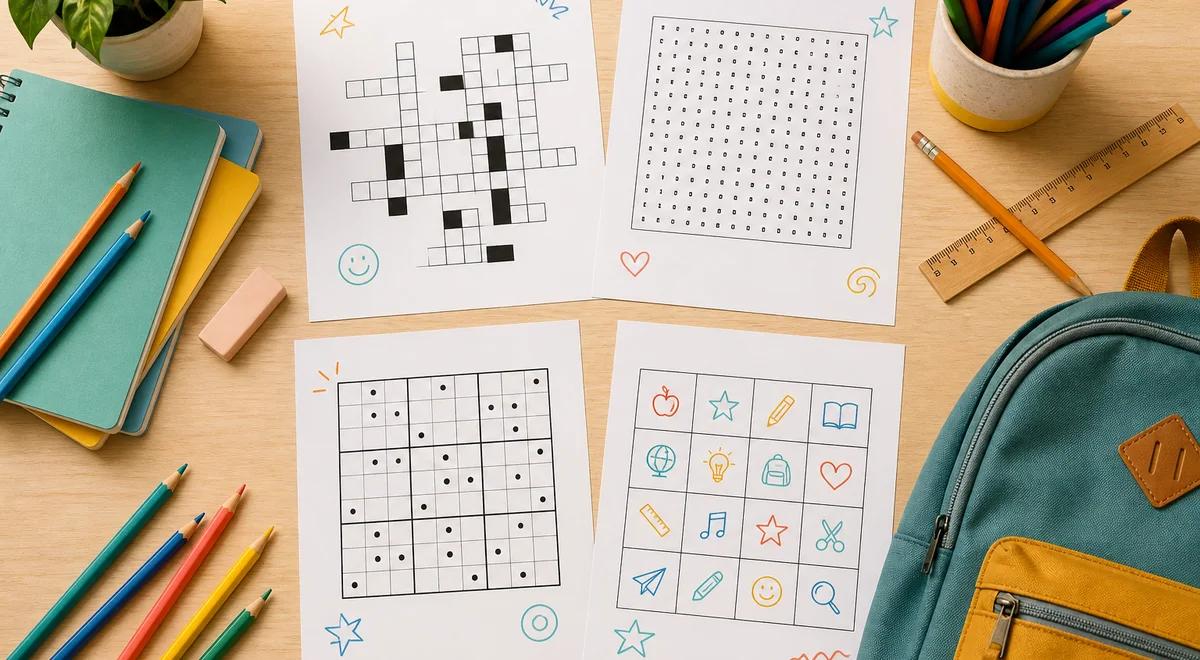
Back to School Puzzle Activities for Your Classroom
Ready-to-print back to school puzzle activities: icebreaker bingo, name word searches, vocabulary crosswords, and sudoku brain breaks. Free generators included.
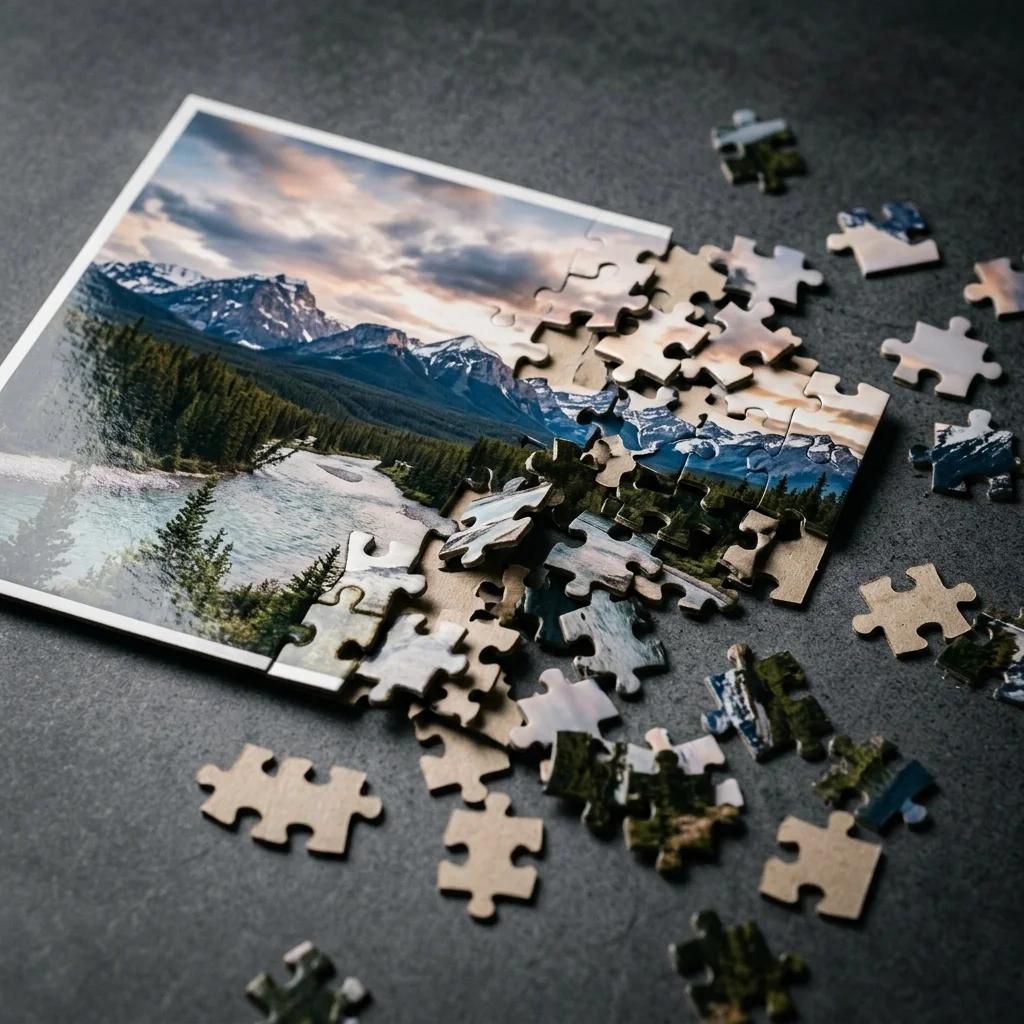
How to Turn a Picture Into a Puzzle Online (Free)
Step-by-step guide to turning any photo into a custom jigsaw puzzle. Free online tool, no signup needed. Print or play digitally.
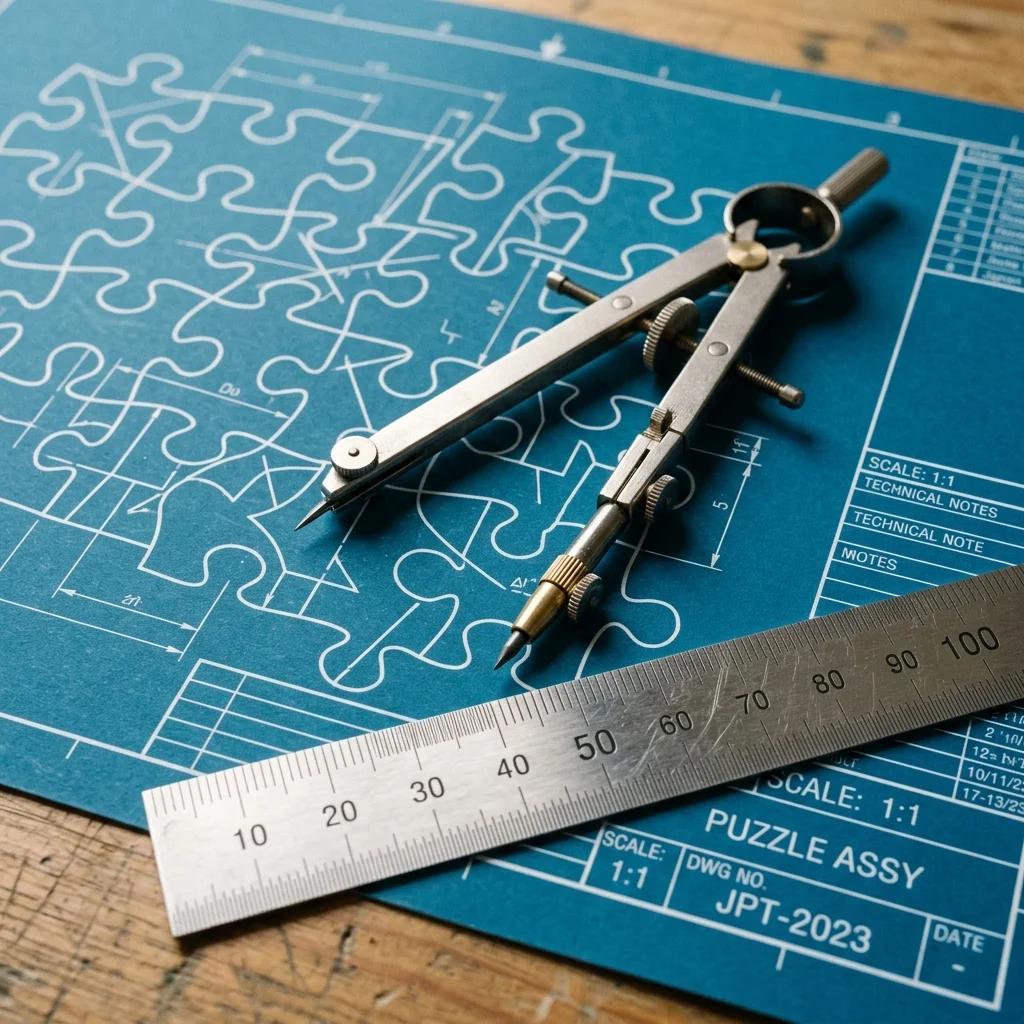
SVG Puzzle Piece Generator for Designers & Crafters
Generate free SVG puzzle piece templates for Cricut, Silhouette, Inkscape, and laser cutters. Customize piece count, shape, and connector style.