
Free Printable Word Search Maker: PDF Download Guide
Create and print custom word search puzzles as PDF. Free maker with adjustable difficulty, answer keys, and classroom-ready layouts.
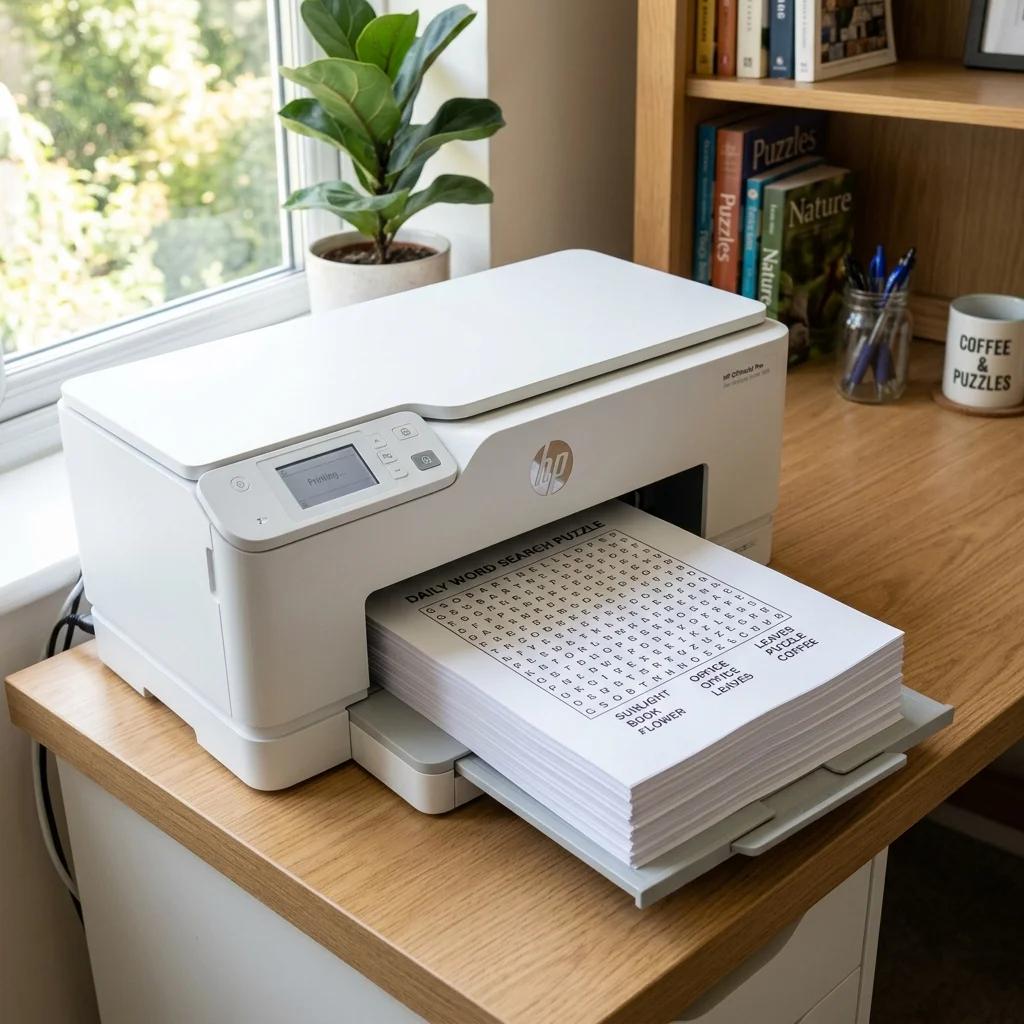
Why Printable Word Searches Still Work
Screen time is already high for most kids and adults. Handing someone a printed word search — a real piece of paper with a pencil or marker — changes the activity completely. There's no notification pulling attention away, no battery to worry about, and no device policy to navigate in a classroom.
Printed word search puzzles are practical in situations where screens don't belong: a long car ride, a waiting room, a quiet period before class starts, or a rainy afternoon at home. Kids especially enjoy the physical act of circling words — it feels like an accomplishment in a way that tapping a screen never quite does.
For teachers, the case is even clearer. A stack of photocopied word searches costs almost nothing, requires zero tech setup, and works equally well as a warm-up activity, a fast-finisher task, or a take-home review sheet. The format has been classroom-tested for decades because it's genuinely useful.
How to Make a Word Search and Download the PDF
Our free printable word search maker generates a ready-to-print PDF in under a minute. Here's the exact process:
- Enter your word list. Type or paste your words, one per line. The generator accepts any mix of lengths — short words like CAT and long ones like PHOTOSYNTHESIS can sit in the same puzzle.
- Choose a grid size. A 10×10 grid fits well for younger students with 8–12 short words. A 15×15 grid handles 15–20 words comfortably on a letter-size page. A 20×20 grid is for large word lists or adults who want a real challenge.
- Set the direction options. Forward-only is the easiest; adding backward and diagonal makes the puzzle harder. The difficulty section below covers this in detail.
- Generate the puzzle. The algorithm places your words and fills remaining cells with random letters. Each generation produces a unique layout — regenerate as many times as you like before downloading.
- Download the PDF. The download includes the word search grid, the word list to search for, and a separate answer key page showing each word's location. Print both or just the puzzle — your call.
The word search maker also lets you preview the puzzle before downloading, so you can regenerate if the layout doesn't look right. No account needed.
Difficulty Settings Explained
The direction options are the main lever for controlling difficulty. Here's how to match them to your audience:
Forward Only (Ages 4–6)
Words are placed left-to-right and top-to-bottom only. A kindergartner who's still learning to track words on a page can handle this without getting frustrated. Use a 10×10 grid with 8–10 words of 3–5 letters each. The filler letters are random, so it isn't trivially easy — they genuinely have to scan the grid.
Forward & Backward (Ages 7–9)
Words can also run right-to-left and bottom-to-top. This is the standard difficulty for second and third grade. Students at this age have strong enough reading skills to search in both directions, and the puzzle stays manageable on a 12×12 or 15×15 grid.
All Directions Including Diagonal (Ages 10+)
Eight possible directions: left, right, up, down, and four diagonals. This is the classic adult word search format. On a 15×15 grid with 20 words, it takes 10–15 minutes to complete — ideal for a homework activity or a quiet classroom task. For middle school and up, this is the default we'd recommend.
Grid Size and Density
Grid size affects density — how many cells contain actual word letters versus filler. A small grid with many long words will be denser and feel harder even on easy settings, because the letters genuinely do belong to words more often. A large grid with short words is sparser and easier to scan. If you want a challenging puzzle for adults, combine a 15×15 grid with 12 medium-length words on all-directions mode — the low density makes individual words harder to spot.
Printing Tips for Best Results
Word searches are more forgiving to print than jigsaw puzzles or photo-based activities. Standard 80gsm copy paper works perfectly — there's no image quality or color accuracy to worry about.
Orientation: Landscape vs. Portrait
Letter size paper in landscape orientation gives you the most room for a 15×15 grid. The grid sits larger on the page, cells are easier to read, and there's space below for the word list. Portrait works fine for 10×10 grids or smaller. For 20×20 grids, landscape is almost mandatory to keep the letters readable without squinting.
Fitting Multiple Grids Per Page
For a class activity, print two smaller puzzles (10×10) per page in portrait orientation. Cut the page in half and you've halved your paper cost. Our PDF lays out cleanly so the cut line is obvious. This also works well for early finishers — hand them puzzle two while the rest of the class is still working on puzzle one.
Answer Key Handling
The PDF includes the answer key as a separate page. Print it once, keep it at your desk, and don't include it in the student handout stack. If you're photocopying from a master, print page 1 (the puzzle) and set page 2 (the answer key) aside.
For home use with younger kids, some parents deliberately reveal the answer key after a set time — say, 15 minutes — so the activity doesn't end in frustration. It's a word search, not a test. The goal is engagement. Our word search maker for kids has additional options specifically tuned for younger learners, including simplified grids and larger print sizes.
Word List Ideas by Age Group
The hardest part of making a word search is usually coming up with the word list. Here are ready-to-use ideas organized by age, with sample words you can paste straight into the generator.
Kindergarten (Ages 4–6): 3–5 Letter Words
Keep every word under 5 letters so they fit neatly in a 10×10 grid without crowding. Stick to topics the kids already know. For a kindergarten class studying the ocean, try: FISH, CRAB, WAVE, SAND, STAR, SHELL — keep words under 5 letters. For colors: RED, BLUE, PINK, GOLD. For animals: CAT, DOG, HEN, COW, BEE, ANT. Avoid words like QUEEN or JUICE — the silent letters confuse early readers who are sounding things out while they search.
Elementary (Ages 7–10): Spelling and Science Vocabulary
This age group responds well to curriculum-linked word lists. Pull directly from your current spelling list or science unit. For a solar system unit: PLANET, ORBIT, COMET, SATURN, EARTH, MOON, STAR, MARS, VENUS, GRAVITY. For a weather unit: CLOUD, STORM, THUNDER, RAINBOW, BREEZE, HUMID, FROST. Ten to fifteen words on a 12×12 grid in forward + backward mode is the sweet spot.
Middle School (Ages 11–14): Literature and History
Longer words become an asset at this level — they're harder to spot in a busy grid. For a Civil War unit: ABOLITION, CONFEDERATE, EMANCIPATION, LINCOLN, SECESSION, REGIMENT, CAVALRY, SURRENDER. For a Shakespeare unit: HAMLET, TRAGEDY, SOLILOQUY, VERONA, IAMBIC, SONNET, FOLIO. Use all-directions mode on a 15×15 grid for a genuine challenge that ties directly to class material.
Adults: Themed and Hobby Puzzles
Adult word searches work well with niche topics that genuinely interest the solver. For wine tasting: MERLOT, TANNIN, VINTAGE, CABERNET, RIESLING, DECANT, SOMMELIER, TERROIR. For travel: PASSPORT, ITINERARY, HOSTEL, LAYOVER, BOARDING, CUSTOMS, CURRENCY. For a book club: PROTAGONIST, NARRATIVE, SUBPLOT, DIALOGUE, FORESHADOW, METAPHOR, EPILOGUE. Twenty words on a 20×20 grid, all directions — easily 20 minutes of focused attention. If you would rather not build the list yourself, our word search for adults generator ships with themed adult word banks and defaults to the larger, all-directions grids described here.
Classroom Distribution Tips
Printing for 30 students doesn't have to mean 30 print jobs. The most efficient workflow: print one clean master from the PDF, then run it through your school's photocopier. A 15×15 grid reproduces cleanly on most copiers as long as the original is printed at 100% scale (no shrink-to-fit).
Warm-Up and Exit Tickets
A 10-word puzzle on a 10×10 grid takes most students 5–8 minutes — exactly right for a warm-up while attendance is taken, or an exit ticket at the end of class. Make the word list topic-specific: if you're reviewing chapter vocabulary, every word in the puzzle should be a term they've encountered. The search reinforces recognition without feeling like a quiz.
Differentiation Without Extra Work
Generate two versions of the same word list: one on forward-only mode (easier) and one on all-directions mode (harder). Print them on different colored paper so distribution is instant and obvious. Students who finish early get a second puzzle; students who need support get the accessible version. Nobody has to know they're working from a different sheet — it's just a different color paper.
Pair and Group Work
Give partners one sheet to share and have them race to find words. Or split the word list — one partner finds the first half, the other finds the second half. For groups, project the PDF on screen while each student has a printed copy. Call out words one at a time and have students race to circle each one first. It turns a quiet individual activity into something competitive and engaging.
For ESL and vocabulary-building applications, our post on ESL vocabulary word search activities covers specific techniques for language learners. And for a broader overview of the tool, the word search maker guide covers everything from basic setup to advanced customization options.
Start Making Your Free Printable Word Search
Pick your word list, choose a grid size, set the direction options, and download the PDF. No account, no watermarks, no cost.
For classroom use, the printable word search maker is the direct starting point — it's optimized for clean PDF output at standard paper sizes. For custom themes or more layout control, try the full word search maker. And for younger students, the word search maker for kids limits direction options and grid sizes to age-appropriate defaults so you don't have to think about the settings at all.
Make the puzzle once, print it as many times as you need.