
Crossword Labs vs 4 Free Crossword Makers (2026 Test)
Crossword Labs is free with no login, but puzzles save to a public page. We tested 5 free makers on PDF export, answer keys and grid quality.
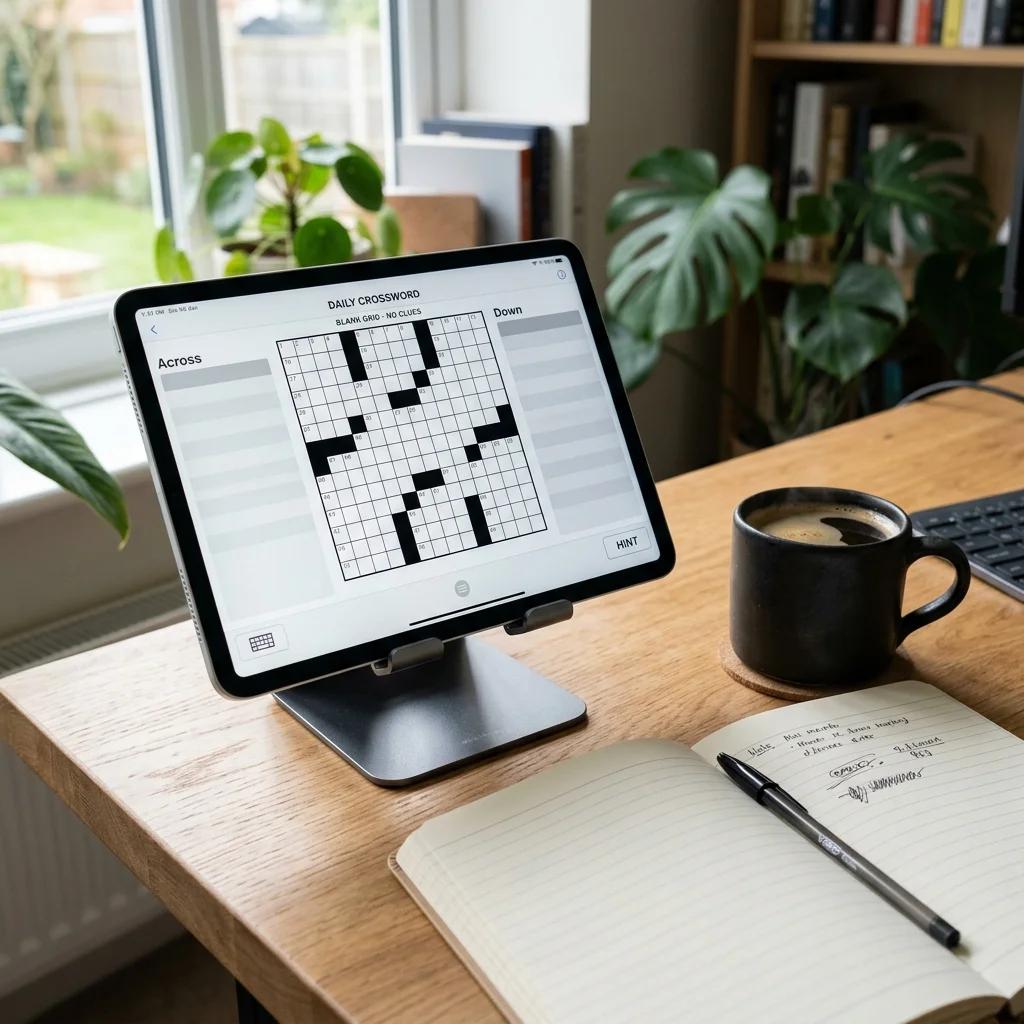
Finding the Right Crossword Maker for Your Needs
Whether you're a teacher creating vocabulary exercises, an event planner designing party games, or a puzzle enthusiast making crosswords for fun, choosing the right crossword maker can save you hours of frustration.
We've tested the most popular free crossword generators — including Crossword Labs and the best alternatives to it — to help you find the right fit. This comparison covers ease of use, features, output quality, and what each tool does best.
What to Look for in a Crossword Maker
Before diving into specific tools, here are the key features to consider:
- Ease of use: How quickly can you create a puzzle without reading tutorials?
- Word limit: How many words can you include?
- Output formats: PDF, printable, interactive, or editable?
- Answer key: Is a separate solution included?
- Customization: Can you adjust difficulty, layout, and appearance?
- Account requirement: Do you need to register?
- Cost: Free vs. freemium vs. paid features
Crossword Maker Comparison
1. JigsawMake Crossword Maker
JigsawMake offers a clean, modern interface designed for quick puzzle creation without registration.
Pros:
- ✓ No account required—start creating immediately
- ✓ Clean, ad-free interface
- ✓ Three difficulty levels (Easy, Medium, Hard)
- ✓ Automatic grid generation with smart word placement
- ✓ PDF download with separate answer key
- ✓ Works great on mobile devices
- ✓ 100% free, no hidden paywalls
Cons:
- ✗ No saved puzzles (browser-based only)
- ✗ Limited styling options
Best for: Teachers and parents who need quick, printable crosswords without creating accounts or navigating ads.
2. Crossword Labs
Crossword Labs is one of the most popular free crossword makers, offering both free and premium tiers.
Pros:
- ✓ Simple word/clue input format
- ✓ Shareable puzzle links
- ✓ Interactive online solving
- ✓ Embed puzzles on websites
Cons:
- ✗ Ads on free version
- ✗ PDF/print requires premium ($)
- ✗ Answer key requires premium ($)
- ✗ Limited word count on free tier
Best for: Users who want to share interactive puzzles online and don't mind paying for print features.
3. Discovery Education Puzzlemaker
A long-standing educational tool that offers various puzzle types including crosswords.
Pros:
- ✓ Multiple puzzle types (crossword, word search, cryptogram)
- ✓ Educational focus
- ✓ Free to use
Cons:
- ✗ Outdated interface
- ✗ Heavy advertising
- ✗ Limited customization
- ✗ Basic output quality
Best for: Educators who need multiple puzzle types in one place and don't mind the dated design.
4. The Teacher's Corner
A teacher-focused resource offering crossword and other educational puzzle generators.
Pros:
- ✓ Free for educators
- ✓ Additional teaching resources
- ✓ Simple interface
Cons:
- ✗ Requires registration
- ✗ Limited puzzle customization
- ✗ Older design
Best for: Teachers who want access to additional educational worksheets alongside puzzles.
5. Canva (Crossword Templates)
The popular design platform offers crossword templates for manual creation.
Pros:
- ✓ Beautiful, customizable designs
- ✓ Full creative control
- ✓ Brand-consistent outputs
Cons:
- ✗ Not a true generator—must manually place words
- ✗ Time-consuming for complex puzzles
- ✗ No automatic word intersection
- ✗ Best templates require Canva Pro ($)
Best for: Designers who want visually stunning puzzles and have time for manual layout.
Feature Comparison Table
Here's a quick comparison of key features:
| Feature | JigsawMake | Crossword Labs | Puzzlemaker | Teacher's Corner |
|---|---|---|---|---|
| No Registration | ✓ | ✓ | ✓ | ✗ |
| Free PDF Download | ✓ | ✗ (Premium) | ✓ | ✓ |
| Free Answer Key | ✓ | ✗ (Premium) | ✓ | ✓ |
| Ad-Free | ✓ | ✗ | ✗ | ✗ |
| Difficulty Levels | 3 Levels | Limited | Limited | Limited |
| Mobile Friendly | ✓ | ✓ | Partial | Partial |
| Interactive Solving | ✗ | ✓ | ✗ | ✗ |
Which Tool is Best for Your Needs?
For Teachers Creating Printables
Recommendation: JigsawMake
When you need quick, printable crosswords for class, JigsawMake is the fastest path from idea to PDF. No login, no ads interrupting your workflow, and free answer keys included.
For Online Interactive Puzzles
Recommendation: Crossword Labs
If you want students to solve puzzles online and track completion, Crossword Labs' shareable links and embed features are useful—though you'll need premium for full functionality.
For Multiple Puzzle Types
Recommendation: JigsawMake (full suite)
Beyond crosswords, we offer Word Search, Sudoku, and Jigsaw Puzzle makers—all free and ad-free.
For Professional/Commercial Use
Recommendation: JigsawMake or Canva
For newspapers, magazines, or commercial publications, JigsawMake provides clean outputs while Canva offers more design flexibility (with manual word placement).
Why JigsawMake Stands Out
We built JigsawMake to solve the frustrations we experienced with other crossword makers:
- Zero friction: No account creation, no email verification, no waiting
- True free: PDF downloads, answer keys, and all features are genuinely free—not "free trial" or "freemium"
- Clean experience: No banner ads, pop-ups, or distractions while you work
- Smart algorithm: Our generator creates optimal word intersections automatically
- Adjustable difficulty: Easy (compact), Medium (balanced), and Hard (sparse) grid options
- Modern design: Clean, professional output that looks great when printed
Try JigsawMake Crossword Maker Now
Ready to create your crossword? Get started in seconds:
- Go to our Crossword Puzzle Maker
- Enter your words and clues (one per line) — or let the crossword clue generator write them for you
- Choose your difficulty level
- Download your PDF with answer key
Want something quicker to solve? Try the mini crossword maker for small daily-style grids.
Need a step-by-step tutorial? Check out our Complete Crossword Making Guide.
Start creating: Free Crossword Puzzle Maker →